PDiF is a tool that compares two PDFs and highlights the differences. By clearly marking the areas where changes have been made, it allows for more accurate and efficient proofreading compared to manual methods. Available for both Windows and Mac.

PDiF is a tool that compares two PDFs and highlights the differences. By clearly marking the areas where changes have been made, it allows for more accurate and efficient proofreading compared to manual methods. Available for both Windows and Mac.



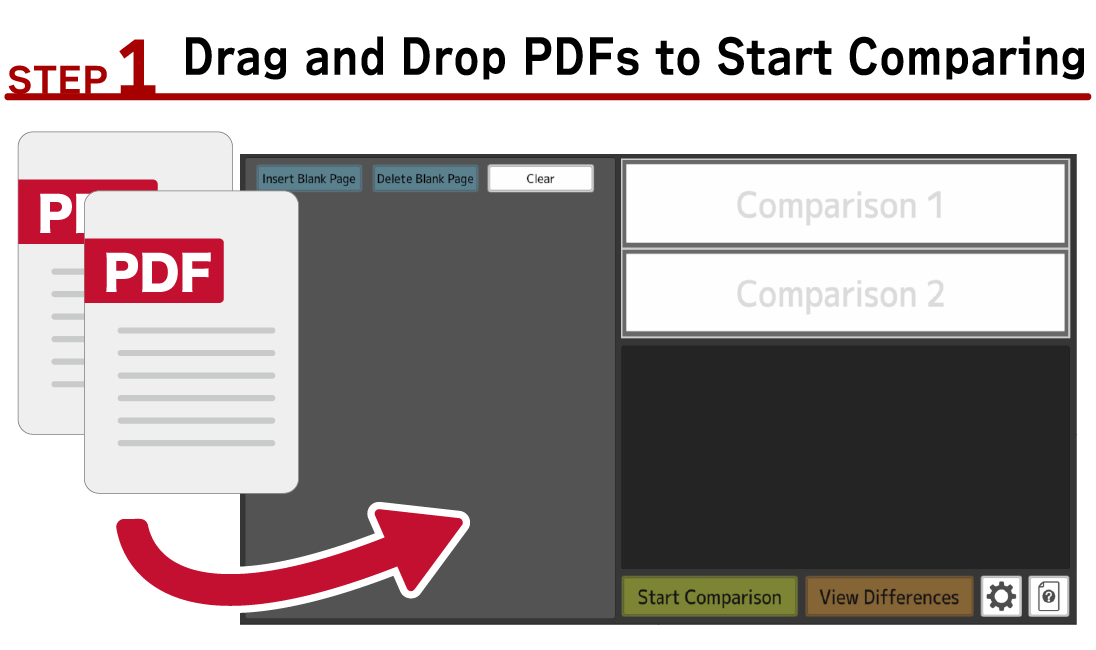
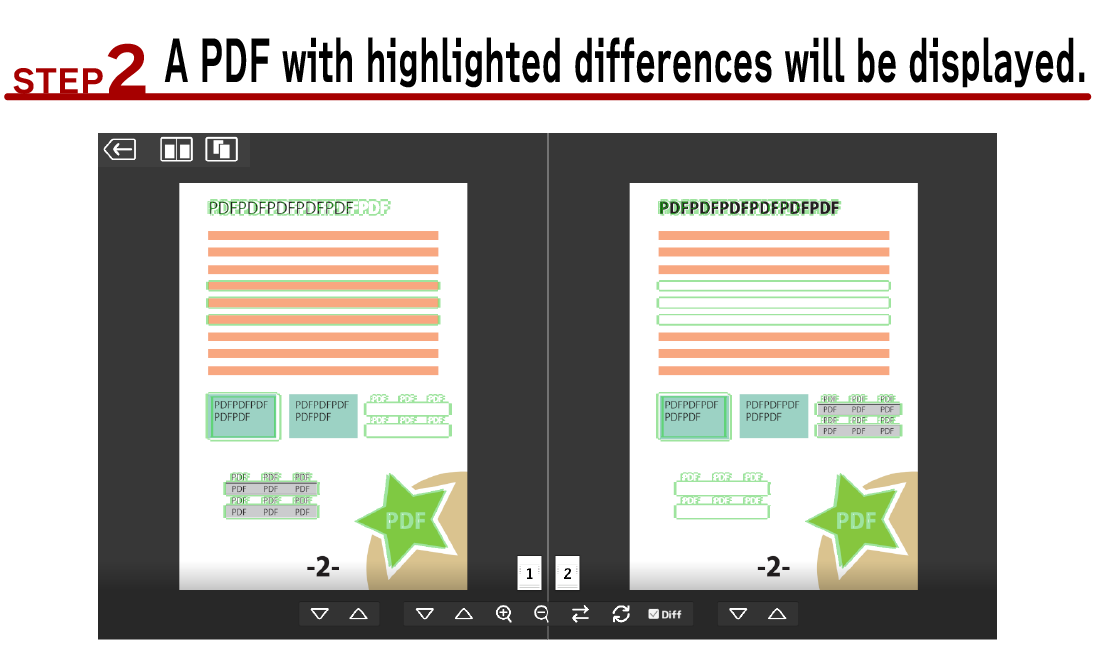



PDiF catches even the slightest differences that might be easily overlooked by the human eye. You can see the overall visual differences, including not only text but also graphics and diagrams.

PDiF reproduces the "flicking proofreading" method by rapidly switching between the two PDF displays. The automatic high-speed switching eliminates the need for manual operation, but you can also switch manually if you prefer.

PDiF can load multiple files at once. If you have multiple PDFs or image documents to compare, you can do it in a single operation, improving work efficiency.

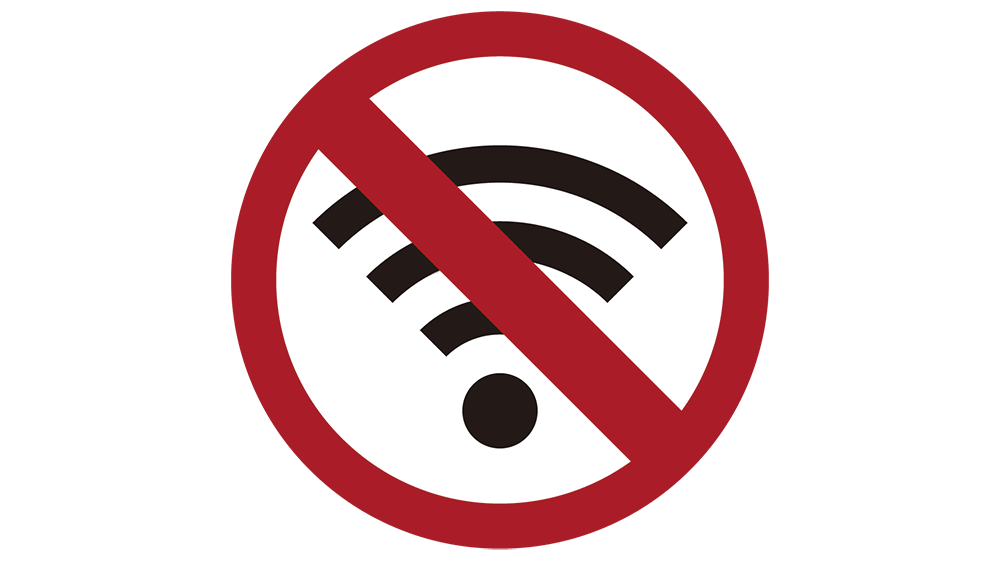
PDiF operates entirely within your PC and does not transmit PDFs or any other data externally. No internet connection is required other than for license authentication at startup. Please note that if you are not connected to the Internet, license authentication will fail and the software will not start.

To help you focus on proofreading, PDiF displays only the pages with differences. You can preview which pages have differences with a simple checkmark (✓) or circle (〇) indicator before starting the comparison.

In addition to PDFs, PDiF can also load image files (jpg, png). You can compare images to each other, or even compare a PDF to an image.

No matter if the layout is different between the before and after PDFs. You can move, rotate, scale, and compare PDFs in real time.

It can also be compared with another page. If pages are reordered or deleted, it doesn't matter, as blank pages can be inserted to make them add up.



The free trial has the following limitations:
Maximum number of PDF pages that can be loaded: 8
Limited to 20 comparisons